What to look for in an AI reply tool for X and LinkedIn
October 9, 2026 · 8 min read
There are many AI reply tools now, and most look similar on the surface. The differences show up after a week of use: whether replies still sound like you, whether the tool ever embarrasses you, and whether it puts your account at risk. These are the questions to ask before you pay.
The checklist
Use this as a quick filter. A tool that fails two or three of these will probably frustrate you within a month.
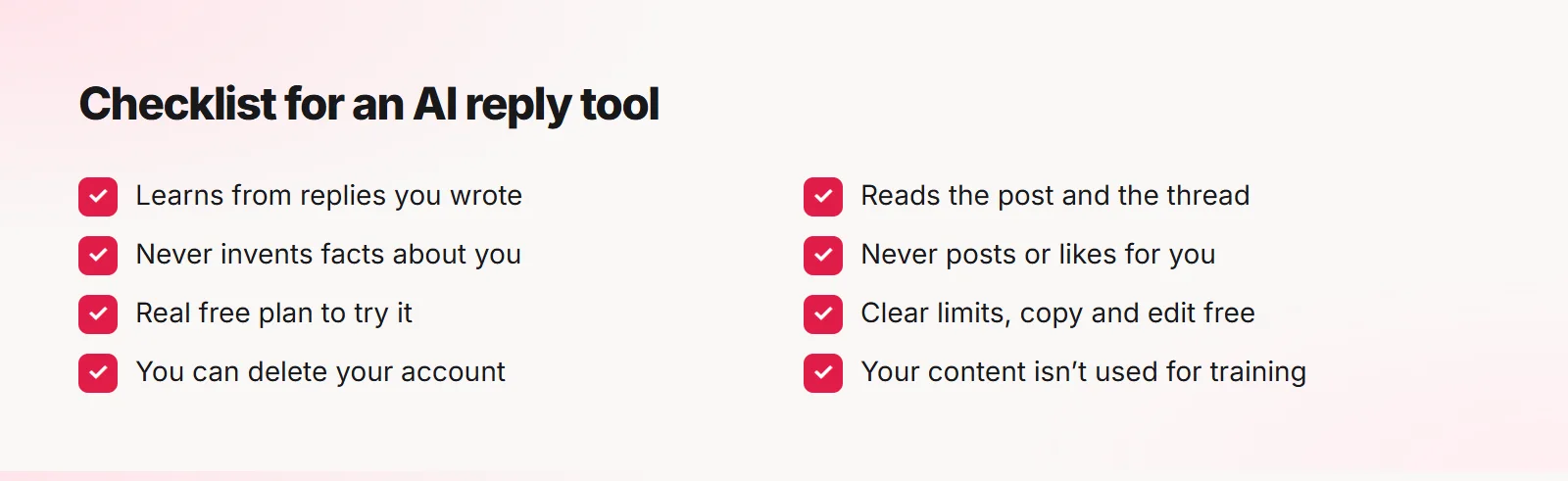
Does it learn your voice?
Ask how. "Pick a tone" is not voice learning. Look for tools that learn from replies you actually wrote, and keep learning from your edits and your picks.
A quick test: paste five of your own replies, generate a few, and ask a friend which ones sound like you.
Does it read the whole conversation?
A reply to a reply needs the parent post and the thread. Tools that only read one post often answer the wrong question or repeat what others already said.
Will it make things up about you?
Some tools invent experience: "When I ran my agency..." even if you never had one. That is a real risk to your credibility, especially on LinkedIn. Prefer tools that only use facts you provided and tell you when a fact was used.
Does it post or automate for you?
Auto-posting, auto-liking and auto-following can break platform rules and get accounts limited. They also remove the moment where you catch a reply that is off.
A safer tool fills the reply box and lets you press Post yourself.
Pricing and limits
- Is there a real free plan to try it?
- What counts as one use: one click, or each suggestion?
- Are copy and edit free?
- Can you cancel any time, and do you keep access until the end of the period?
- Is yearly billing cheaper?
Privacy
- What is sent, and when? Only the post you click, or your whole feed?
- Is your content used to train models?
- Where is your data stored?
- Can you delete your data and account yourself?
Where Quiplos stands
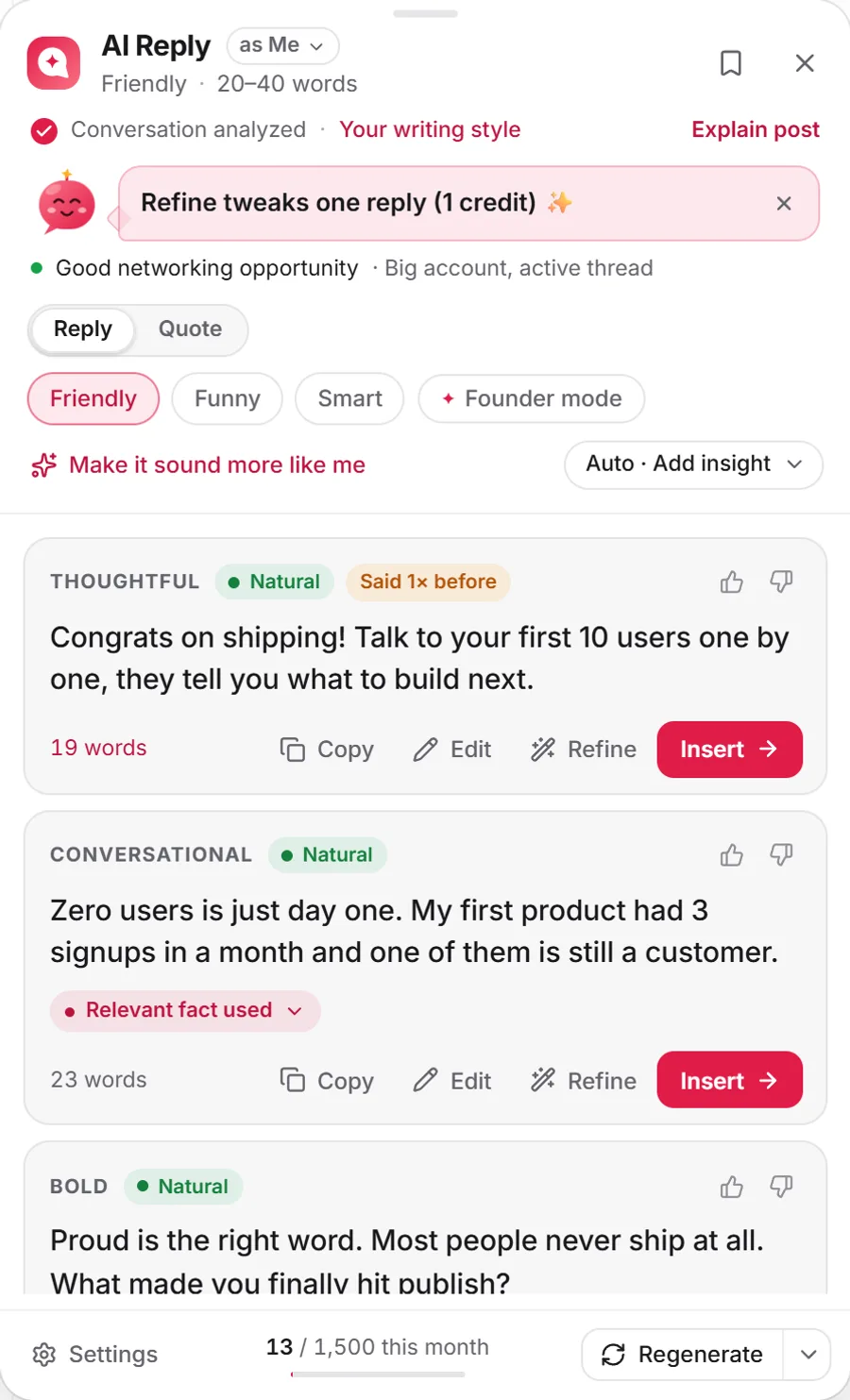
Quiplos learns from your real replies, reads the post and the thread, only states facts you gave it, never posts for you, has a free plan, and lets you delete your account from settings. Copy, edit and insert are always free; one click gives three replies and counts as one generation.
You can see how it compares with other tools, with prices and free plans side by side, on our compare pages.
Frequently asked questions
Are AI reply tools allowed on X and LinkedIn?
Writing help is generally fine. Automation like auto-posting, auto-liking or mass replies is where accounts get into trouble. Check each platform’s current rules.
Which is better: a Chrome extension or a web app?
An extension works right where you reply, with the post and thread already in view, which saves copying and pasting.
Quiplos learns your style and writes three replies under any post on X and LinkedIn. You always pick, edit and post.
Try Quiplos free