Build an audience on X and LinkedIn with replies, not just posts
October 12, 2026 · 8 min read
If you have a small account, your posts reach few people, no matter how good they are. Your replies under bigger accounts can reach many more. That is why so many people get their first real followers from replies, not from posts.
Why replies work for small accounts
A reply borrows the audience of the post it sits under. When your reply is useful, people click your profile, and some of them follow. It is the closest thing to free distribution there is.
Replies also build relationships with the people you reply to. Over time those people recognize your name, reply back, and sometimes share your posts. That network effect is what makes growth compound.
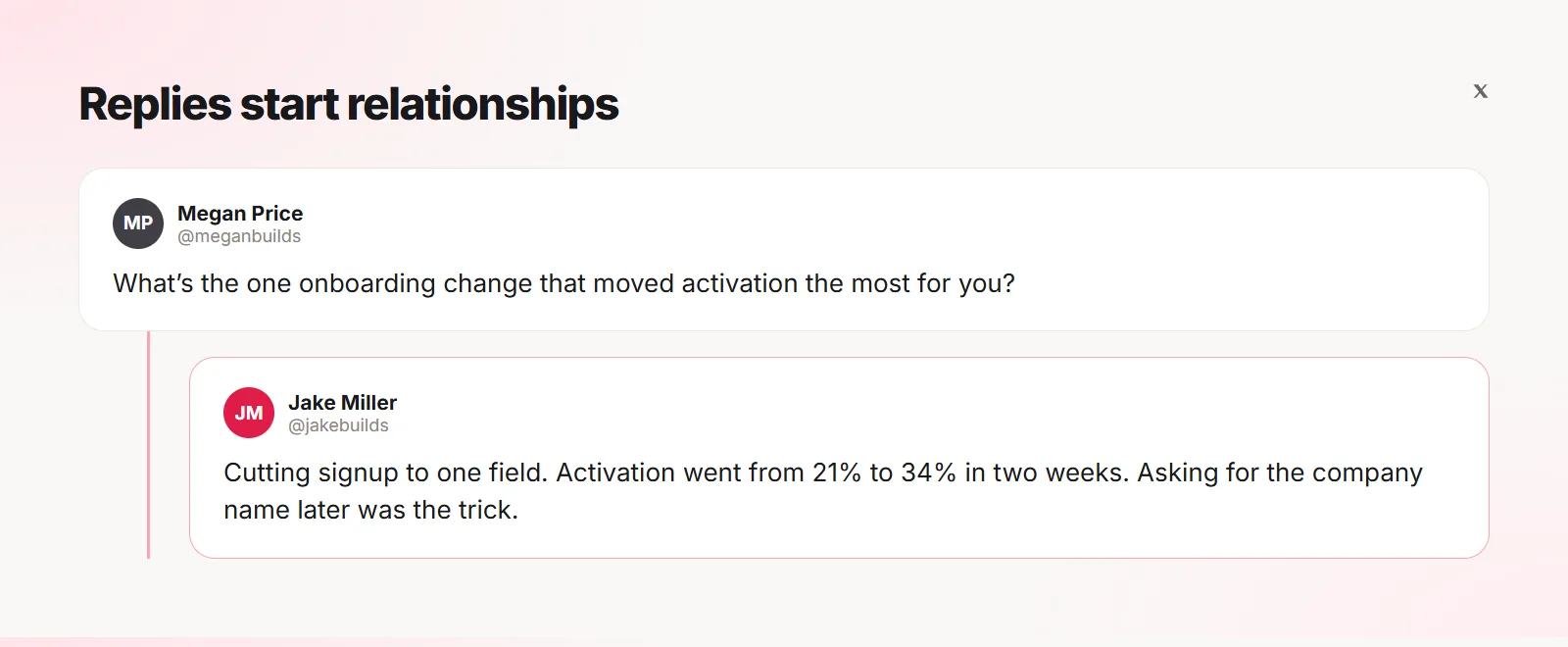
Choose who to reply to
- Five to ten accounts a bit bigger than you in your niche
- Five accounts much bigger than you whose audience you want to reach
- A handful of peers your size who post regularly
- People who already reply to you
Tip In Quiplos, add these accounts as VIPs. Their posts get a ★ on the ✦ button, and a green dot when the post is fresh with few replies.
A 20-minute daily routine
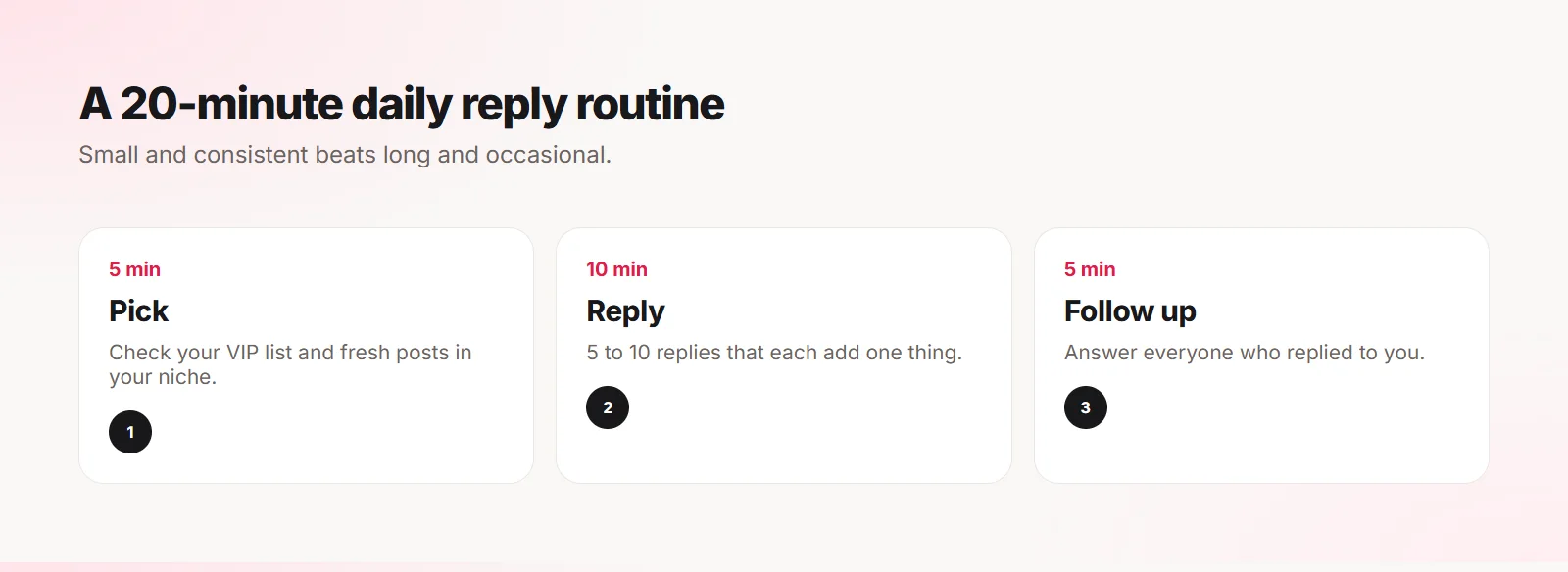
- Pick (5 minutes): check your VIP accounts and fresh posts in your niche.
- Reply (10 minutes): write 5 to 10 replies that each add one specific thing.
- Follow up (5 minutes): answer everyone who replied to you. That is where relationships form.
- Once a week, turn your best reply into a post of your own.
Quality over volume
Twenty generic replies a day can make you look like a bot and hurt your reach. Five thoughtful ones work better and are easier to keep up.
Quiplos shows a gentle warning when you reply in a fast burst or repeat a phrase you used a lot lately, so your replies stay natural.
Track what works
Notice which replies got likes or answers and why. Was it a question, a number, a disagreement, a short story? Do more of that.
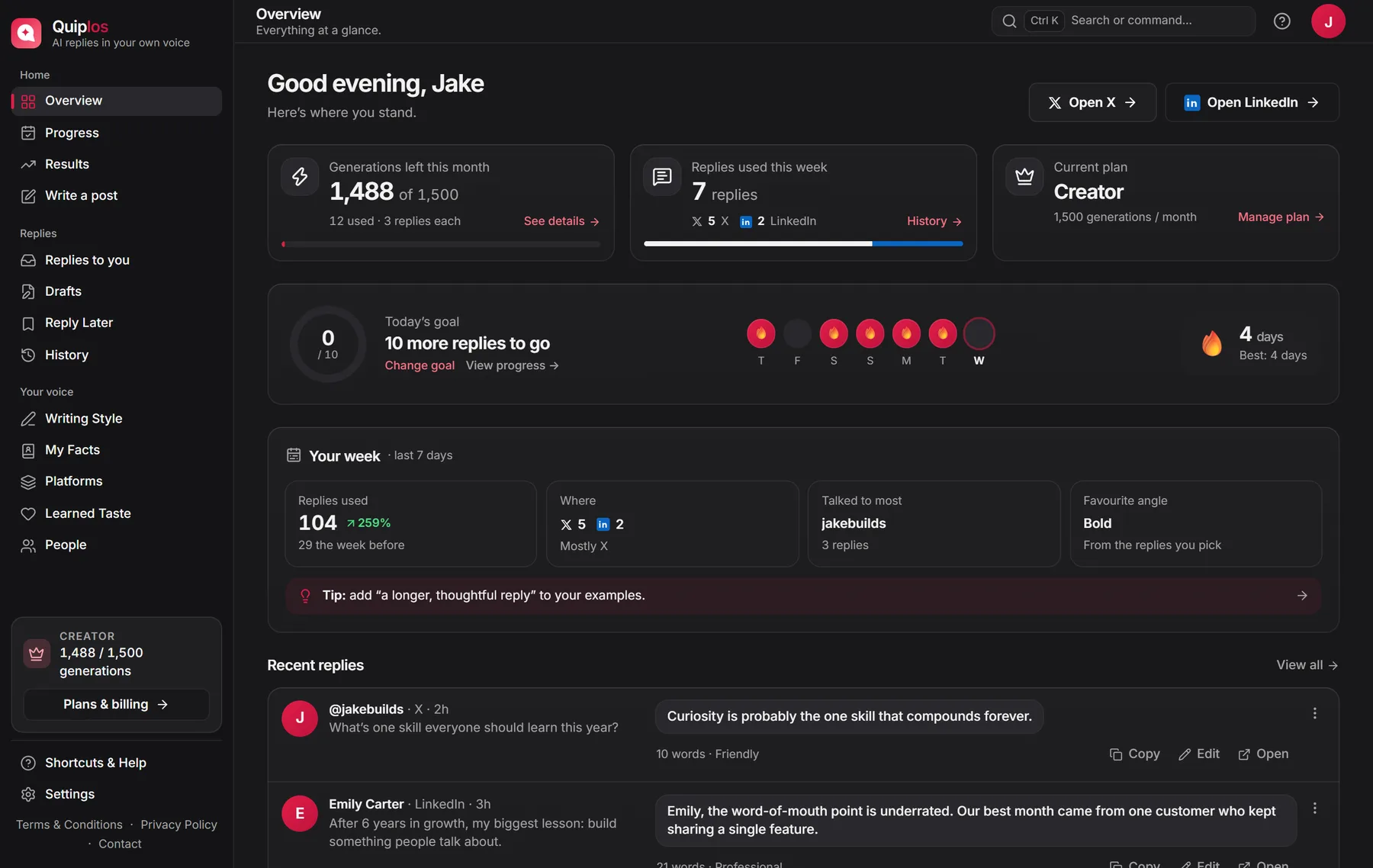
Quiplos keeps this on your device under Results and Progress, so you can see your streak, your best days and which replies did well.
Turn replies into posts
Your best replies are post ideas that already passed a test: someone found them interesting. Expand one into a short post once a week. Quiplos Pro can turn an idea into three post drafts or an X thread in your voice.
What to expect
Growth from replies is slow at first and then speeds up as people start recognizing you. Give it a few weeks of consistent replying before judging the results. The people who do best are the ones who keep going after the first quiet week.
Frequently asked questions
How long until replies bring followers?
It varies a lot. Many people notice a difference after a few weeks of daily, thoughtful replies.
Is replying a lot bad for my account?
Replying in a fast burst or posting the same text repeatedly can look automated. A steady pace with real replies is fine.
Does this work on LinkedIn too?
Yes. On LinkedIn the same idea applies to comments, which stay visible for days.
Quiplos learns your style and writes three replies under any post on X and LinkedIn. You always pick, edit and post.
Try Quiplos free