LinkedIn comment examples for 6 common posts
October 8, 2026 · 8 min read
Use these as patterns, not copy-paste text. Each one points at something specific in the post and adds one thing. Swap in your own details, and the comment becomes yours.
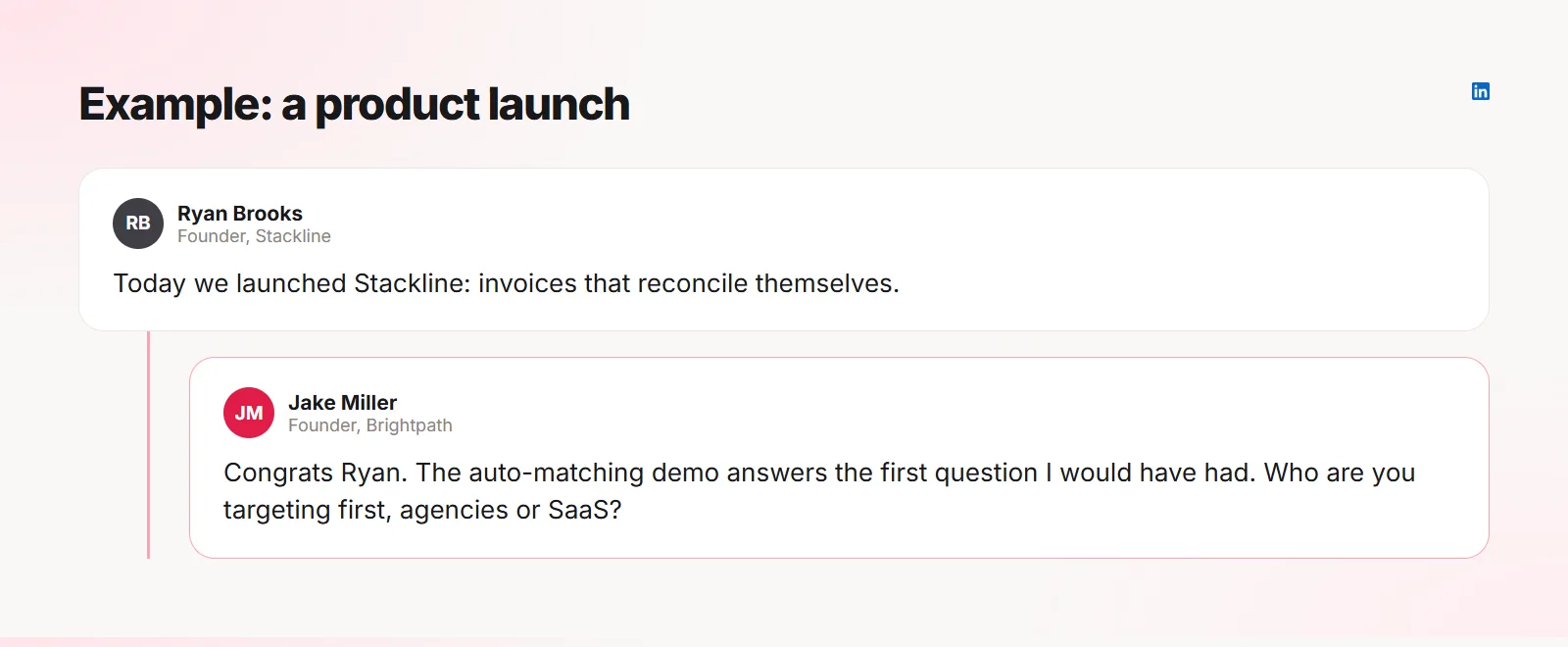
1. A product launch
Congratulate, but name the part of the launch that stood out to you, then ask about the next step. It shows you looked at what they built.
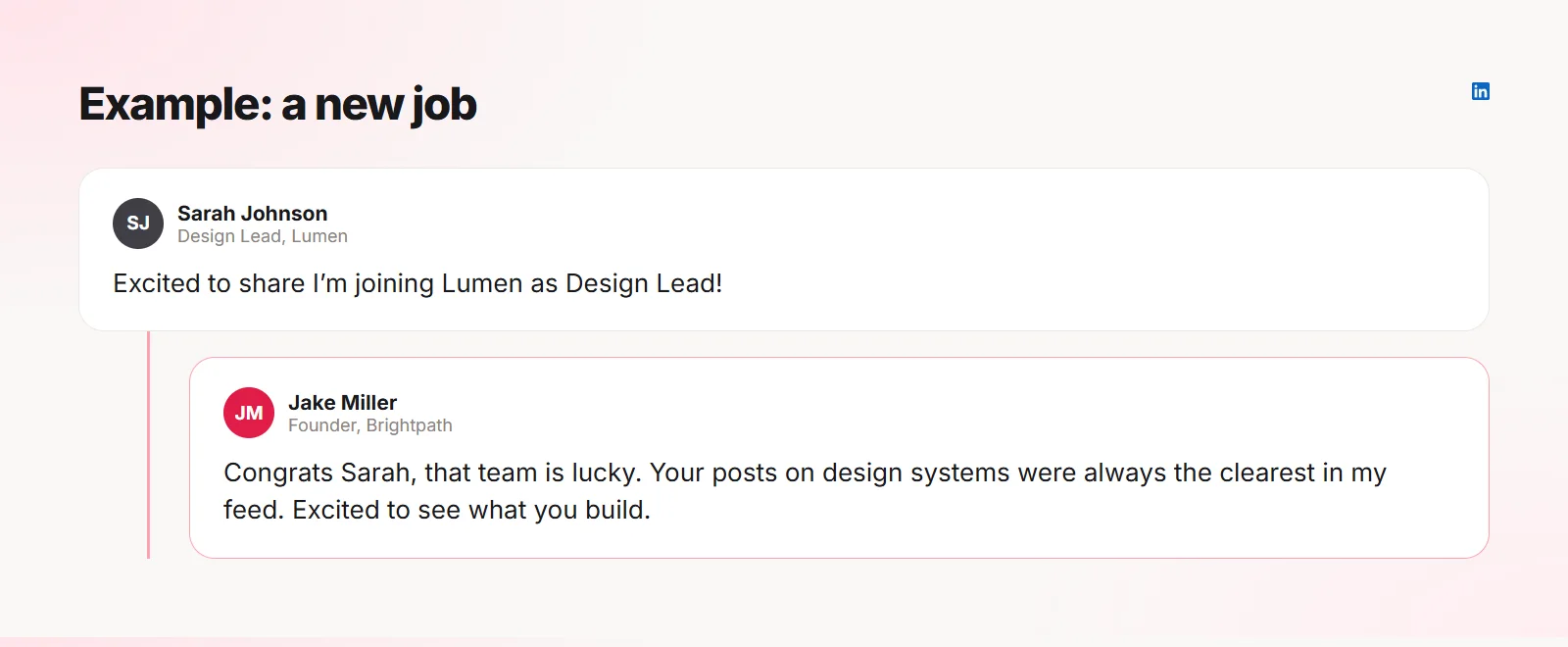
2. A new job
Mention something you know about the person’s work. A generic "Congrats!" is one of hundreds; a specific one is remembered.
3. A hiring post
Be useful: share it, and ask the question many readers have. Do not apply in the comments.
Sharing with two people I know who would be a great fit. Is the role open to remote candidates in other time zones?
4. A lesson learned
Pick one point from the list and add your own version of it. Numbered posts make this easy.
Point three hit home. We learned the same about pricing calls the hard way: the customers who negotiated hardest churned first.
5. A milestone or funding news
Celebrate the achievement and ask about what comes next. Founders love talking about their next step.
Well deserved, Jake. Closing a seed in this market says a lot about the traction. What are you hiring for first?
6. An opinion you disagree with
Agree with what you can, disagree with one specific part, and stay curious. Respectful disagreement is one of the best ways to be noticed.
I agree on the outcome but not the cause. In our case fewer meetings helped less than clearer written specs. Curious if you tried both.
Why these work
- They name something specific from the post
- They add one real thought or question
- They are short and easy to answer
- They do not pitch anything
- They sound like a person, not a template
Frequently asked questions
Can I copy these comments?
Use them as patterns. A copied comment loses the specific detail that makes it work.
How fast should I comment after a post goes up?
Earlier is better: comments in the first hours are seen by more people.
Quiplos learns your style and writes three replies under any post on X and LinkedIn. You always pick, edit and post.
Try Quiplos free