LinkedIn comments that get noticed: a simple framework
October 14, 2026 · 9 min read
On LinkedIn, a comment stays under a post for days and is read by the author and their whole network. That makes comments one of the best ways to get known in your industry, without writing a single post. The catch is that most comments say nothing, so readers have learned to skip them. Here is how to write the ones they stop for.
Why comments are underrated on LinkedIn
A good comment is seen by the author, by people who follow the author, and often by your own network as well. It shows how you think, in context, next to a topic people care about.
For many people, especially early in building a presence, ten good comments a week do more than one post a week. Comments also feel less exposed than posting, which makes them easier to keep doing.
The three-part comment
Almost every comment that gets noticed follows this shape.
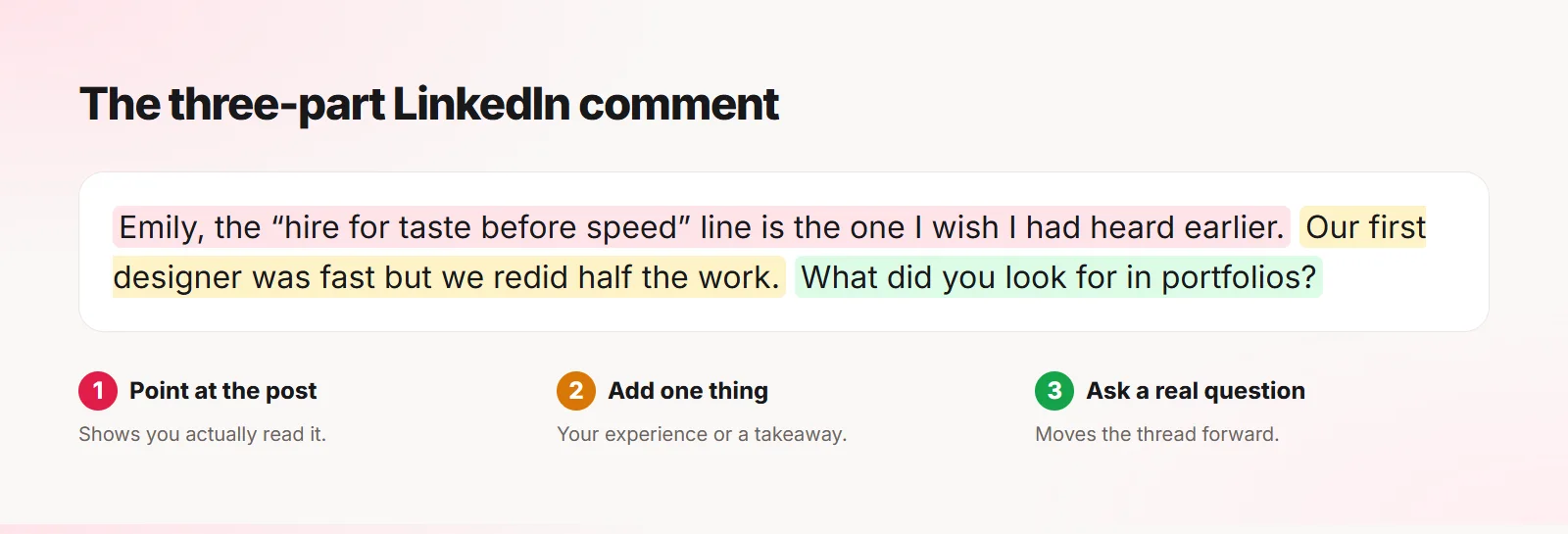
- Point at something concrete in the post, so it is clearly not a copy-paste comment.
- Add one thing: your experience, a practical takeaway, or a different angle.
- Optionally, end with a question that moves the conversation forward.
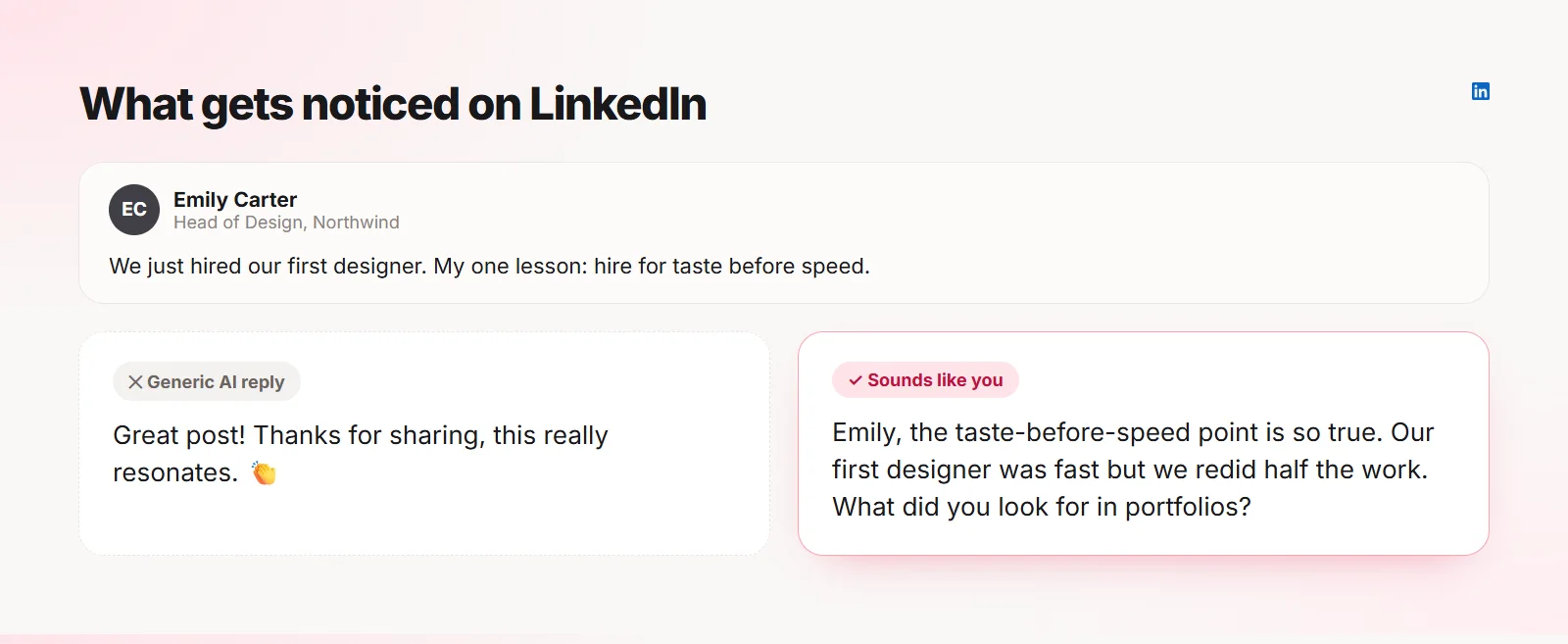
See the difference
Here is the same post with two comments. Only one of them gives the author and their network a reason to reply.
What to avoid
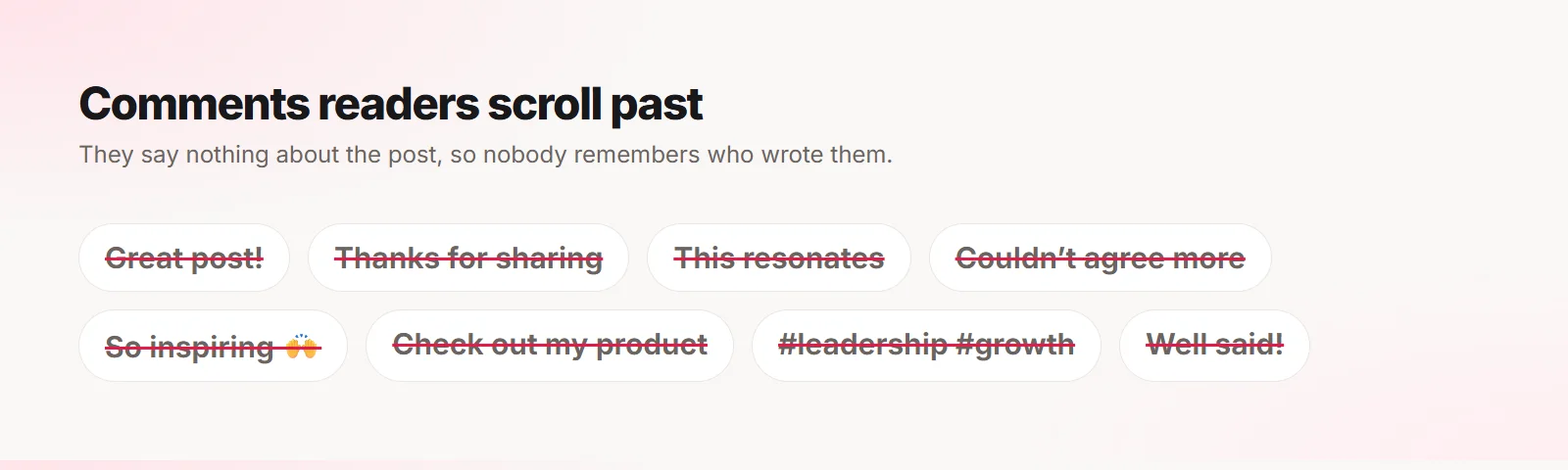
- "Great post!" or "Thanks for sharing!" on their own
- "This resonates" with nothing after it
- Pitching your product or asking people to check out your profile
- Long motivational quotes
- Hashtags in comments
- Tagging people who are not part of the conversation
Use the author’s name once
Starting with the author’s first name reads as personal and warm, especially on LinkedIn where comments are more formal than on X. Use it once, at the start, and only when it feels natural. Repeating it sounds like a sales email.
Do not repeat the other comments
Scroll the comments first. If the obvious point is already made three times, take a different one. Being the fourth person to say the same thing is invisible, even if you say it well.
A useful trick: look for the part of the post nobody has commented on yet. That is usually where the best comment is.
Stay honest about your experience
Only share experience you actually have. LinkedIn readers are often colleagues, clients or future employers, and they can tell when a story is made up. One invented anecdote can undo a lot of trust.
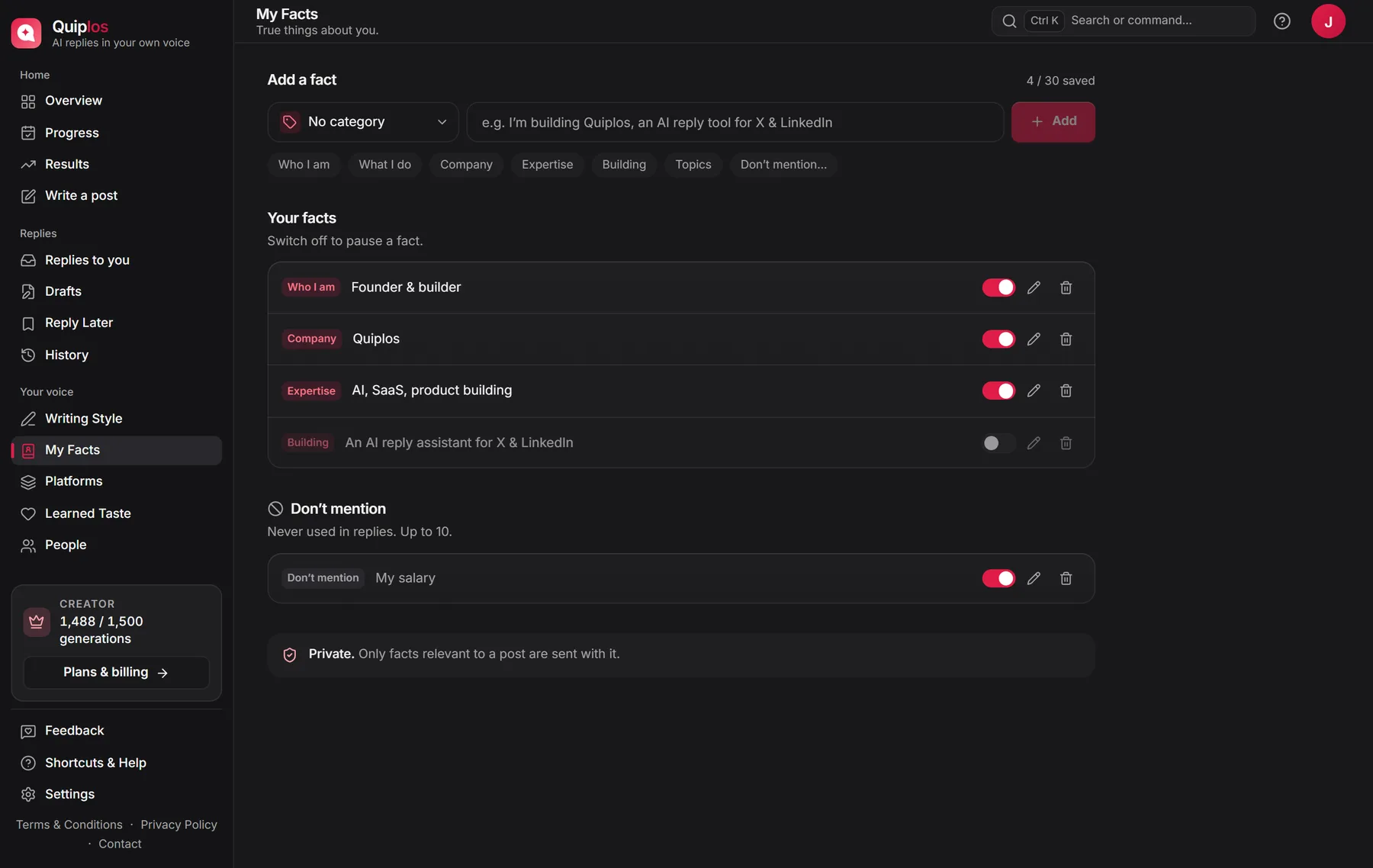
Quiplos handles this with My Facts: you add true details about yourself once, and it only mentions the ones that fit the post. It never invents personal details, and you can mark things it should never mention.
How long should a LinkedIn comment be?
Two to four sentences is the sweet spot. Long enough to add something real, short enough to read without expanding. If you have more to say, write your own post and mention the original author.
A weekly LinkedIn comment routine
- Make a list of 15 people whose posts you want to follow closely.
- Turn on notifications for a few of them so you catch posts early.
- Write two or three thoughtful comments a day, Monday to Friday.
- Reply to everyone who answers your comments.
- Once a week, turn your best comment into a post.
Frequently asked questions
Do LinkedIn comments help my profile get seen?
Yes. Thoughtful comments are shown to the author’s network and often to yours, and people who like what you wrote click through to your profile.
Should I comment on posts outside my industry?
Sometimes, if you have a real point. Most of your comments should be where your future clients, colleagues or employers are.
Can I use AI to write LinkedIn comments?
Yes, if you treat it as a draft: pick it, edit it, make sure it says something true, and post it yourself.
Quiplos learns your style and writes three replies under any post on X and LinkedIn. You always pick, edit and post.
Try Quiplos free