Replying in Hinglish: when it works and how to sound natural
October 11, 2026 · 7 min read
Hinglish, Hindi written in the Latin alphabet and mixed with English, is how millions of people actually text. Used in the right place, it makes a reply feel human and close. Used in the wrong place, it can feel out of tone. Here is how to tell the difference.
Match the thread
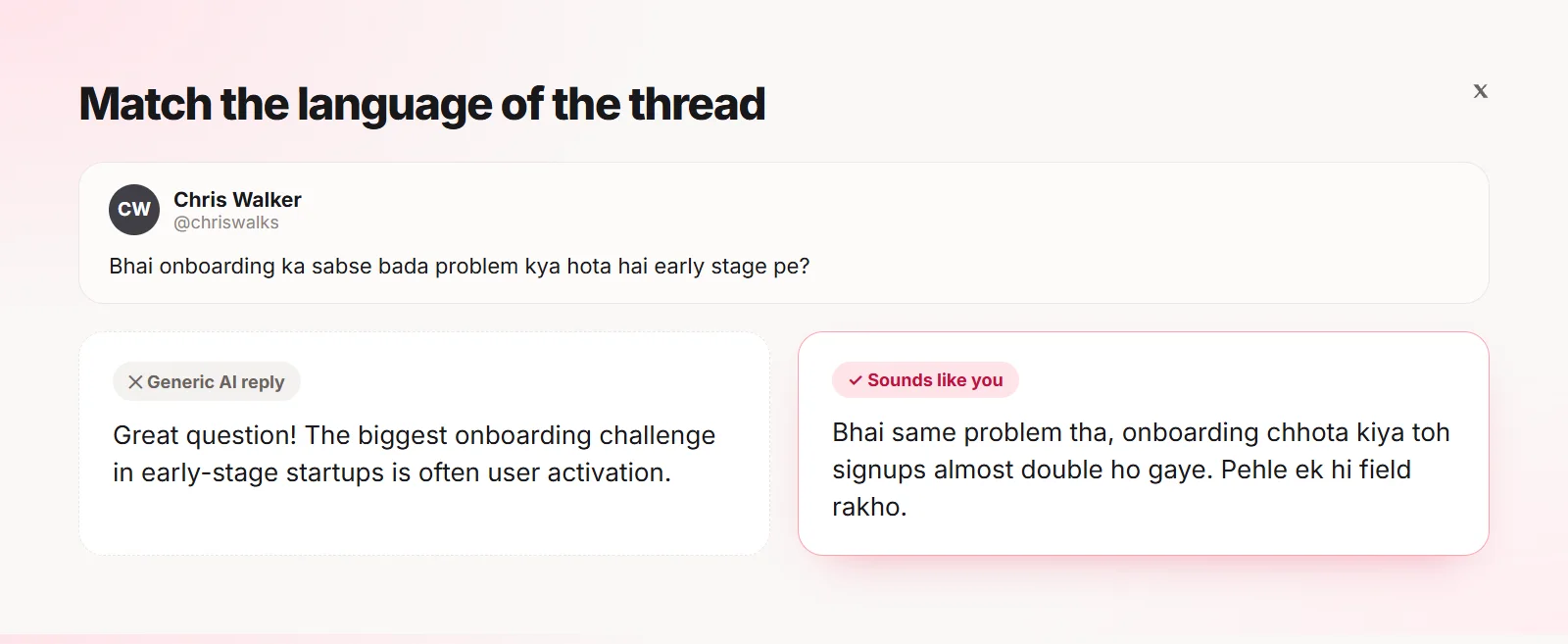
The simplest rule: reply in the language the post is written in. A Hinglish question answered in formal English feels distant. The same question answered in Hinglish feels like a friend replying.
When Hinglish works, and when it does not
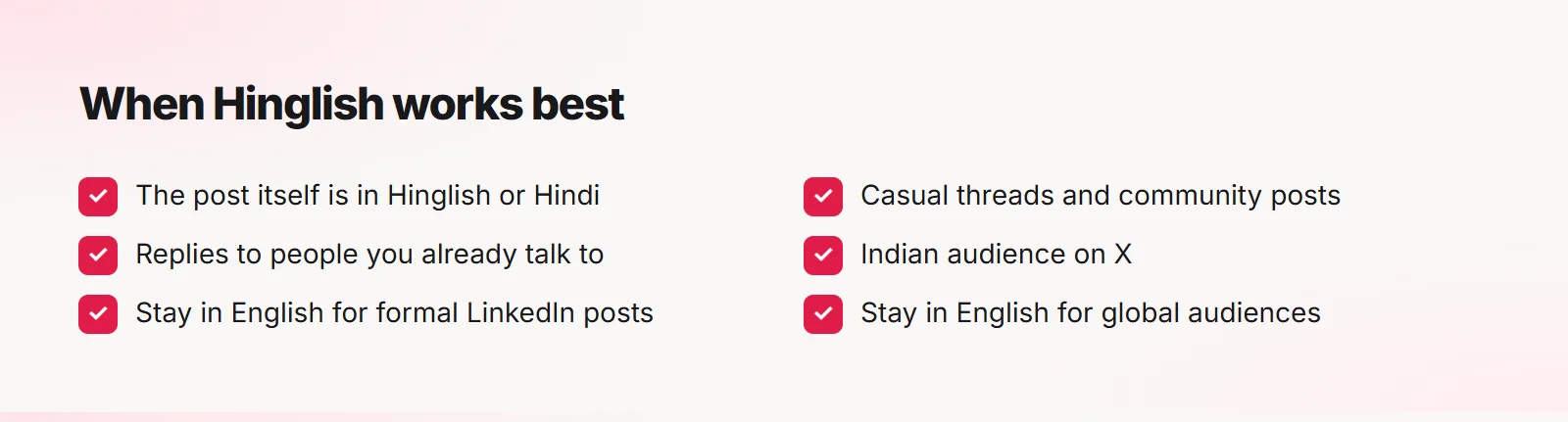
- The post itself is in Hinglish or Hindi
- Casual, friendly threads and community posts
- Replies to people you already talk to
- Stay in English for formal LinkedIn posts and job-related threads
- Stay in English for global audiences who may not read Hindi
Write it the way people text
Natural Hinglish mixes freely: English nouns and tech words, Hindi verbs and expressions. Avoid formal Hindi words that nobody uses in chat. "Onboarding chhota kiya" sounds natural; a fully translated technical term usually does not.
Keep spelling relaxed and consistent. There is no single correct way to spell Hinglish, so match the thread and stay consistent inside one reply.
Bhai same problem tha, onboarding chhota kiya toh signups almost double ho gaye. Pehle ek hi field rakho.
Hinglish on LinkedIn
LinkedIn is mostly English, but Hinglish can work in comments on posts by Indian creators who write that way themselves, or in community and startup circles. When in doubt, use English with a warm tone.
Choosing the language in Quiplos
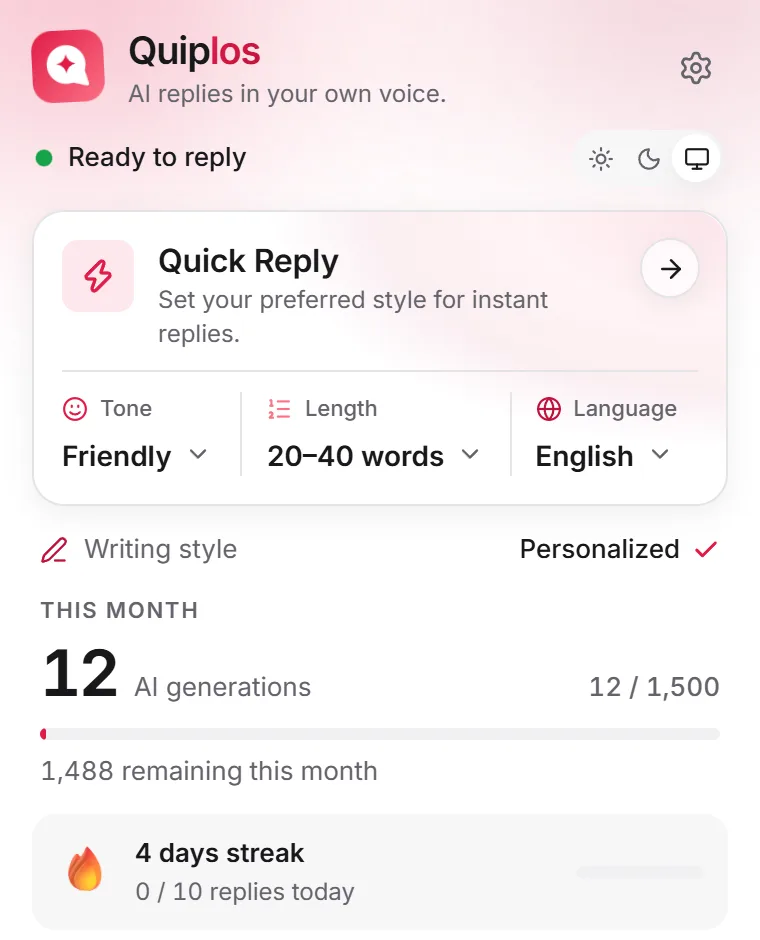
Quiplos writes replies in English, Hindi, Hinglish, Spanish, Portuguese and Japanese. On Pro and Creator it can match the language of the post on its own, so a Hinglish post gets a Hinglish reply and an English post gets English.
You can also set a default language in the toolbar, or pick one for a single reply right in the panel.
Frequently asked questions
Is Hinglish professional enough for work?
For formal posts and job conversations, English is safer. For community and casual posts, Hinglish is often more natural.
Can Quiplos reply in Hinglish on the Free plan?
The Free plan writes in English. Pro and Creator add Hindi, Hinglish, Spanish, Portuguese and Japanese, and can match the post’s language automatically.
Quiplos learns your style and writes three replies under any post on X and LinkedIn. You always pick, edit and post.
Try Quiplos free